Complete and Export a Close
Last updated: July 29, 2026
Close the close: confirm every item has been signed off, export the workpaper pack for the file, and complete it — choosing whether the next period starts now, on a date, or not at all. Completion is also what triggers the post-close learning pass, so it is the moment this period's judgement becomes next period's starting point.
1. Find the close
Sidebar → Close Management. With a single active close it redirects you straight in; with several it opens the active-closes list for the selected business; an empty business gets a no closes yet banner rather than a blank page.
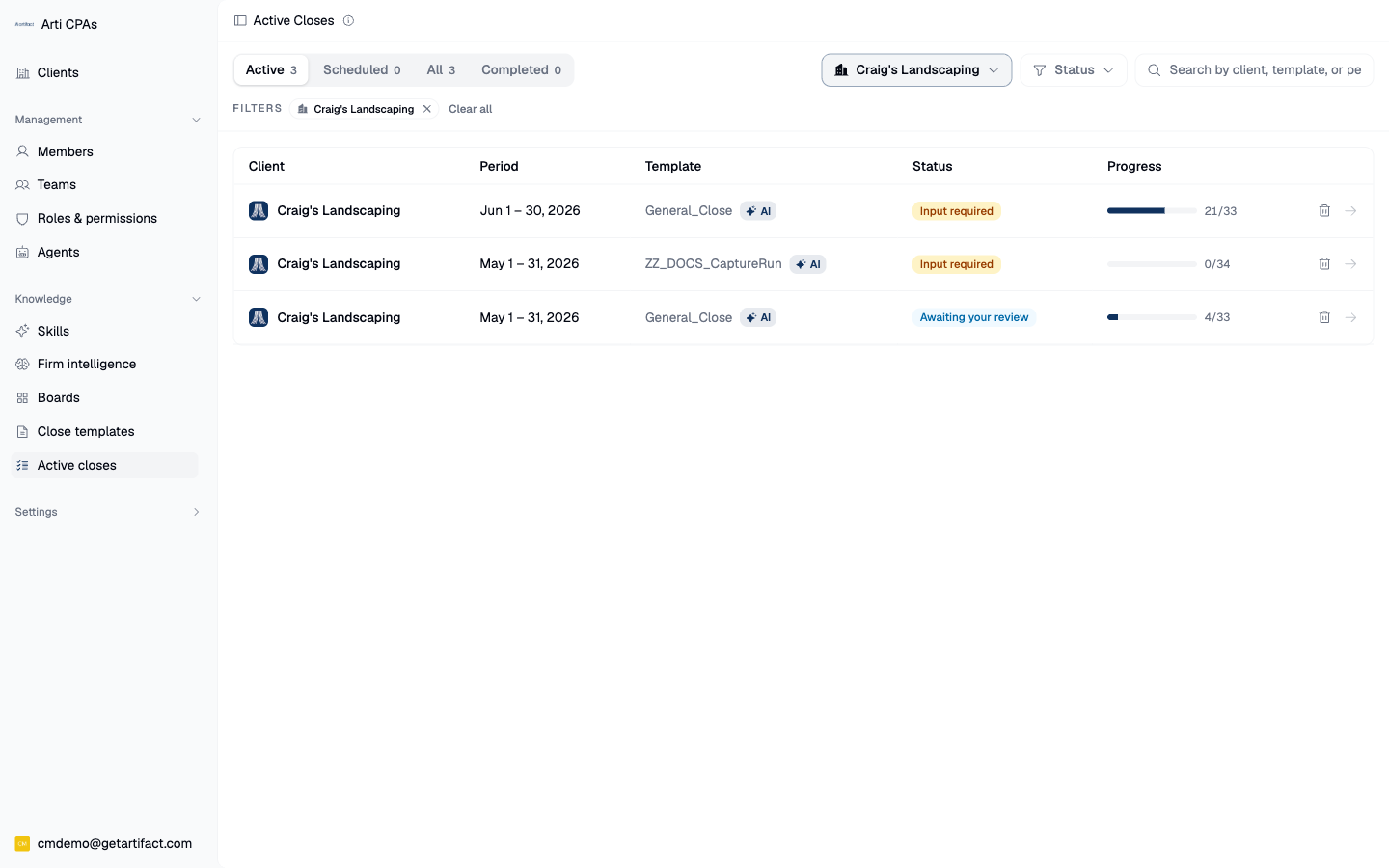
NB: Your side panel may look a bit different.
2. Check the close is actually finishable
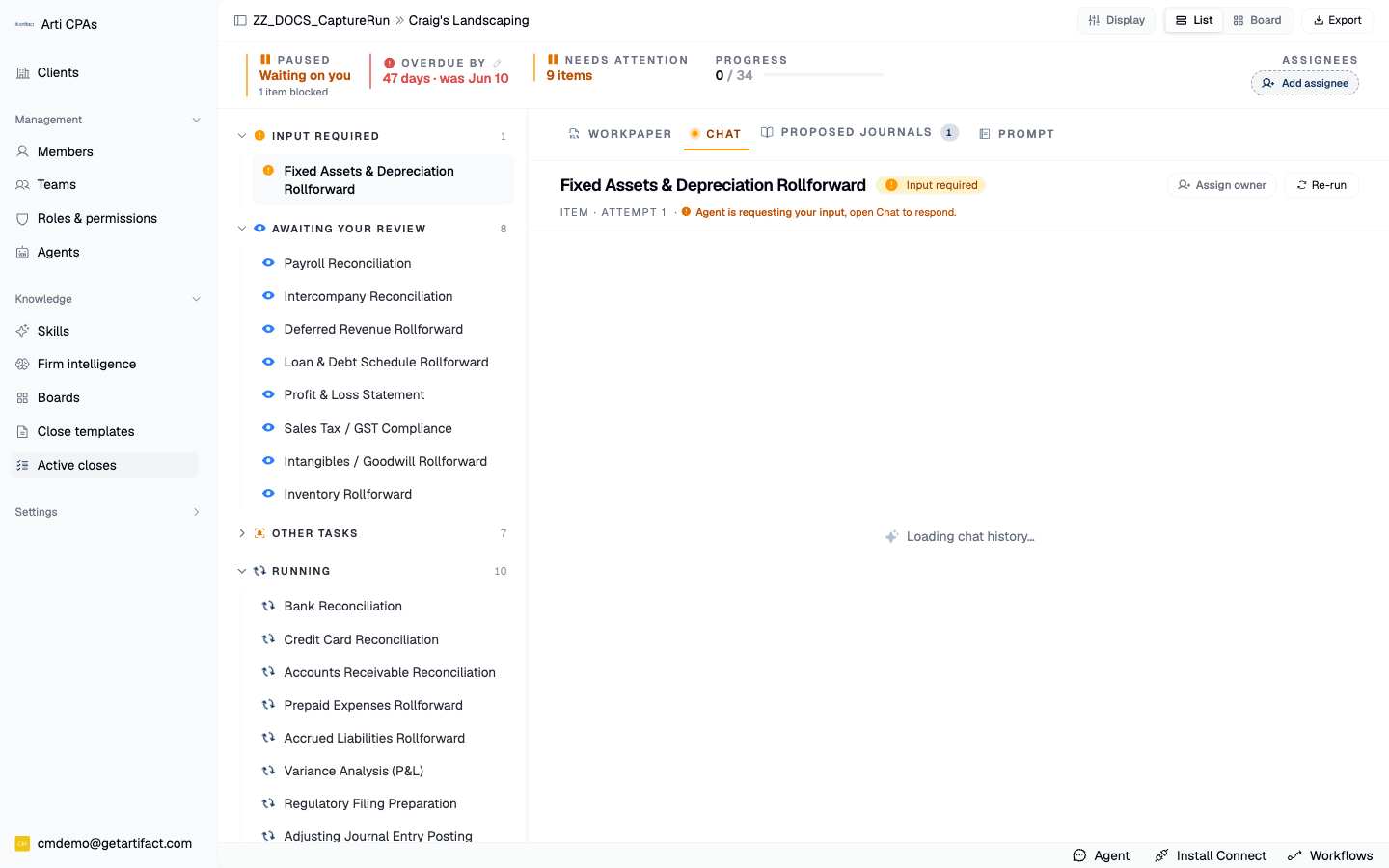
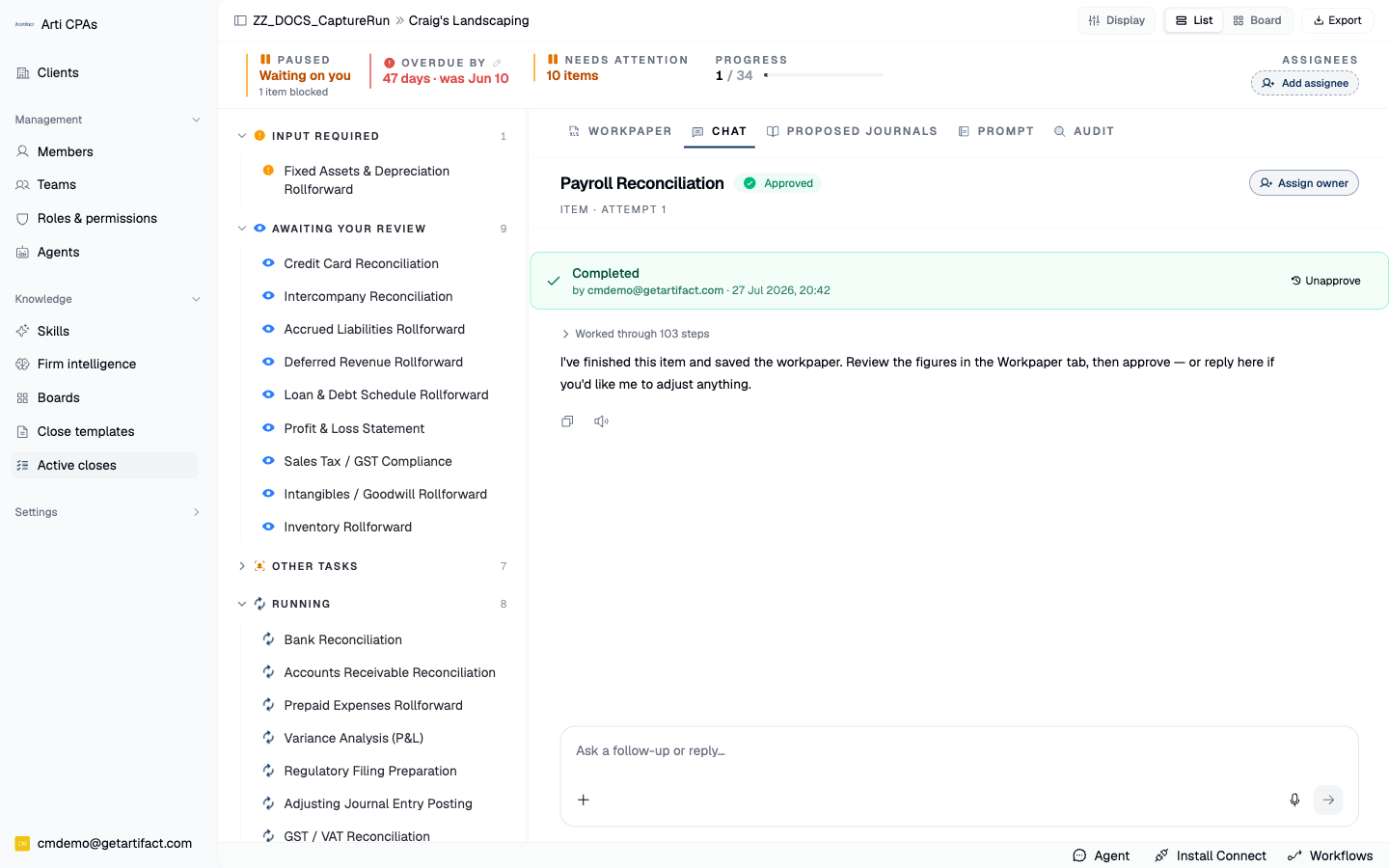
The header carries the status plus Export and Complete close; the progress ribbon carries the counts, the due date and the assignees. Read the counter carefully: it counts approved items, not AI-finished ones. A close cannot complete until every item is completed and none has failed.
The last item flipping to approved is what makes the close completable:
3. Export the pack
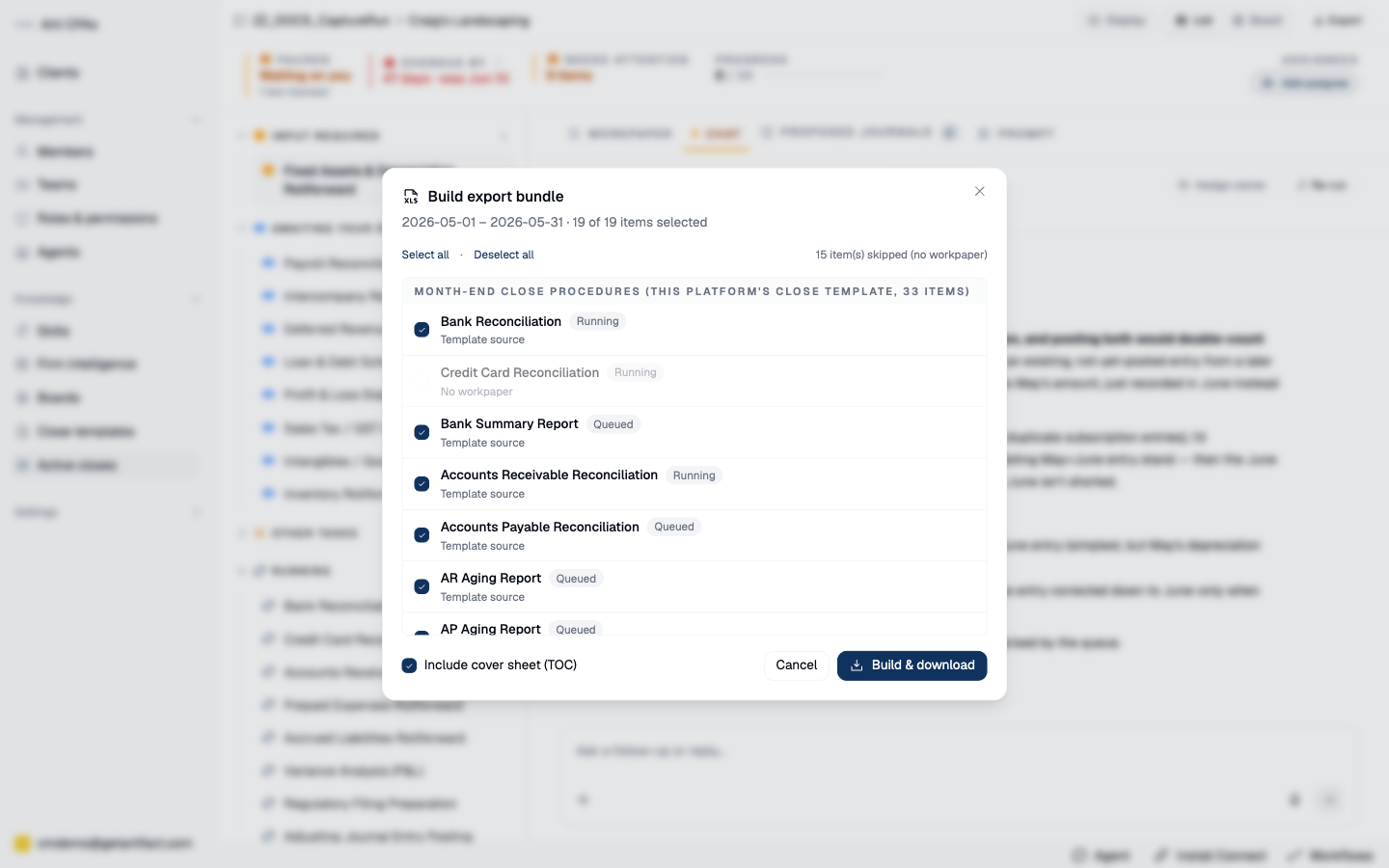
Export opens a dialog listing the close's items as checkboxes — items with no workpaper are disabled, so you cannot silently ship an empty tab — plus Select all / Deselect all and Include cover sheet (a table of contents). Build & download assembles the selected workpapers into a single file and downloads it. That file is the close's evidence pack: one document a reviewer or client can read end to end.
4. Complete the close, choosing what happens next
Complete close opens a dialog with three modes:
Start the next close now (the default) — starts the next period immediately, carrying this close over as its source.
Schedule for a later date — sets a kick-off time; the next close stands itself up then.
Just complete this close — no successor.
Start and schedule validate the next period's dates and assignees before anything fires; an invalid kick-off time blocks submit. The same dialog is reachable from the ribbon's Complete this close → and the rail footer.
5. Know what completing sets off
Completion moves the close into its post-close learning pass before it is finally done — the step that folds this period's approvals, corrections and dismissal reasons into what the agent knows about this client. And carry-over re-resolves the next period's unbound workpapers from this close's output, not from the original template draft — so the next close starts from where you actually left it.
Next steps
Good to know
Export and complete are independent. You can build the export pack at any point; completing is what rolls the period.