Step 4: Review, Edit & Approve Prompts
Last updated: August 11, 2026
Review, edit & approve prompts (Step 4)
Review, edit, and approve the per-item prompts — the instructions the close agent follows for each checklist item — then activate the template. When you land here, Artifact auto-generates a draft prompt for every item (built from the item and the working paper you bound in Step 3). Each prompt is a skill instruction (Skills (capabilities — Catalogue → Firm → Client)): what the agent should collect, how it should analyse, and what workpaper it should produce for that step.
⚠️ Review the prompts thoroughly — this is the foundation for autonomous work. A prompt you approve here is executed by the agent autonomously, on every close, for every client that uses this template. A vague or wrong prompt doesn't fail loudly once; it produces a subtly wrong workpaper every period. This is the highest-judgment step of setup — it is a review, not a rubber stamp.
1. Land on prompt review — prompts auto-generate
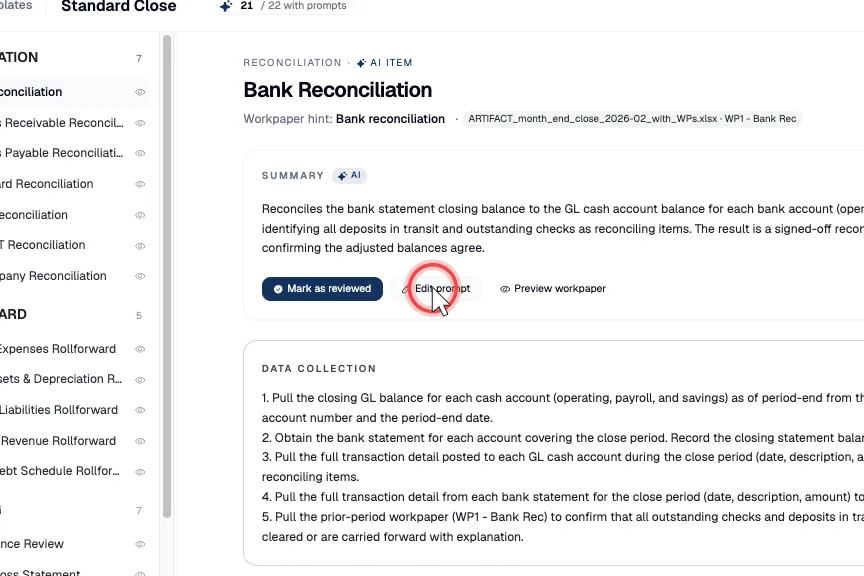
On arrival, Artifact generates a draft prompt for each checklist item (a bulk Generate pass). Select an item to see a summary of its task and the prompt to review.
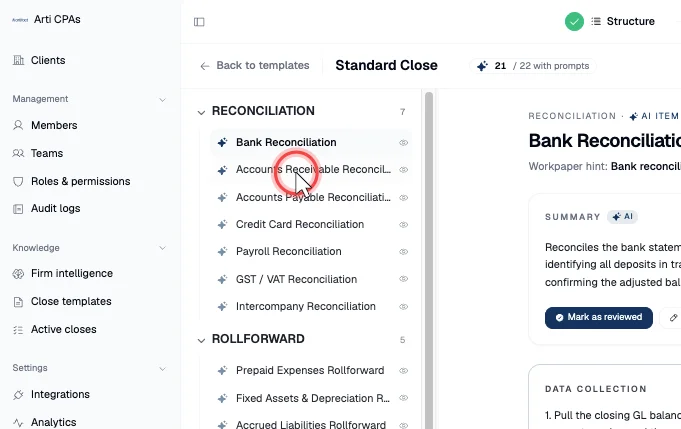
2. Read the prompt's three sections — this is the judgment
Each prompt is split into Data Collection (where the agent pulls data and documents from), Analysis (how it should reason through the task), and Output (the working-paper format and structure it should produce). Read each against your firm's methodology, the standard the step is grounded in, and the working paper bound in Step 3.
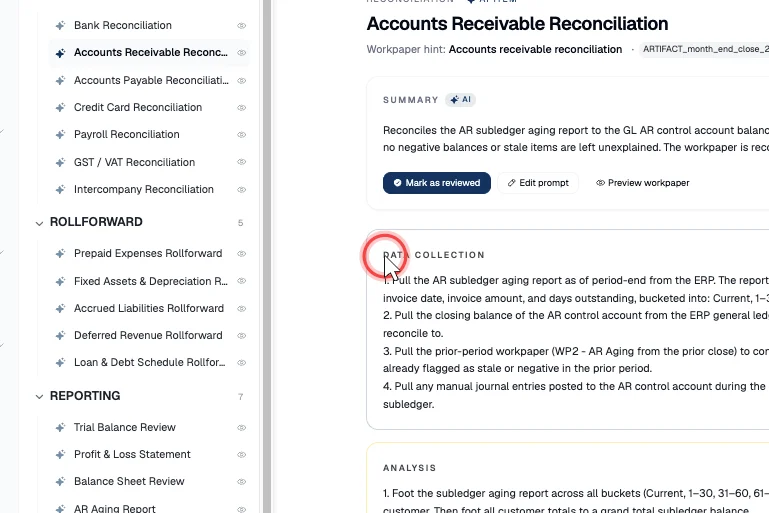
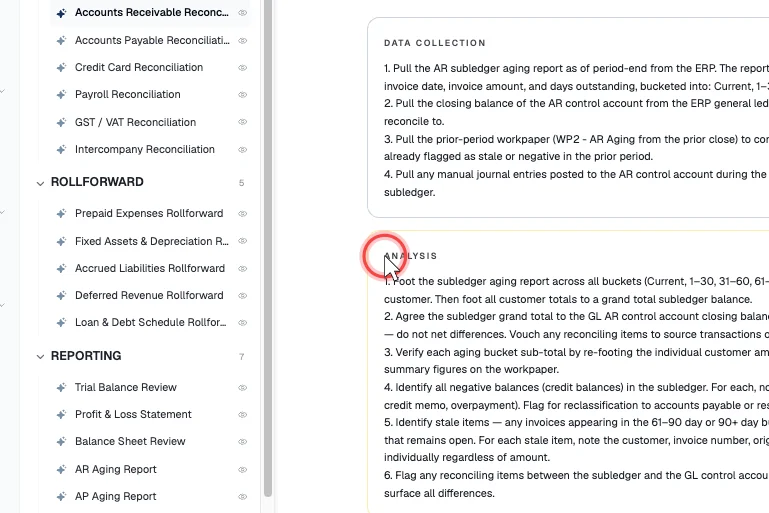
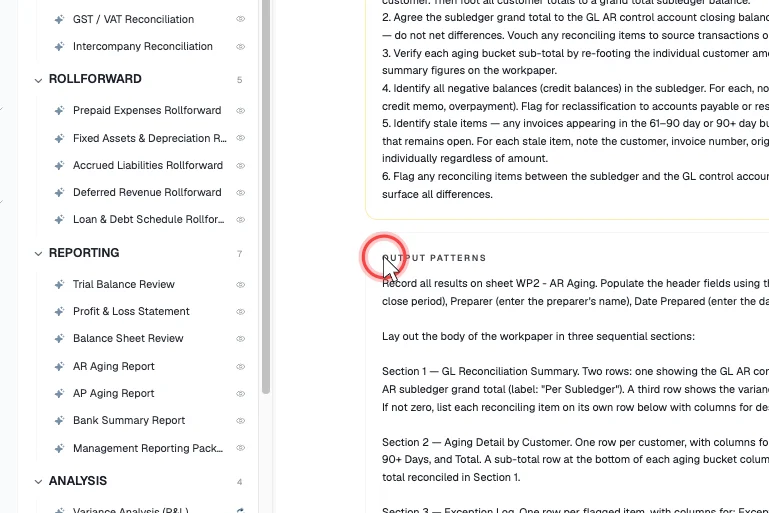
3. Move through the items
Work item by item; each shows its own generated prompt to review.
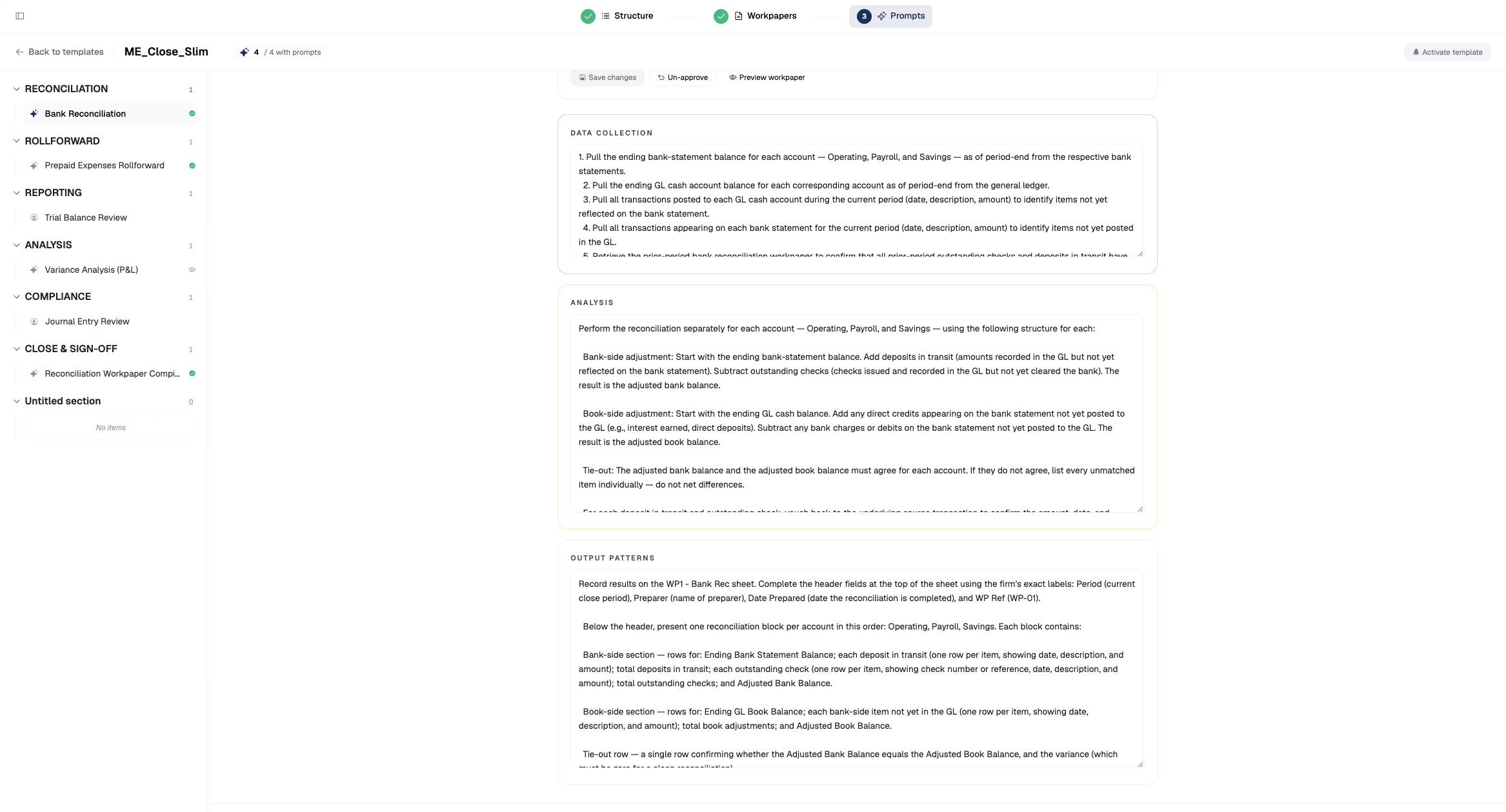
4. Edit where needed
Edit a prompt directly in its Section editors (data collection / analysis / output) and Save changes — Artifact records a change note. If a prompt is far off, Regenerate it from scratch, then review the new draft the same way.
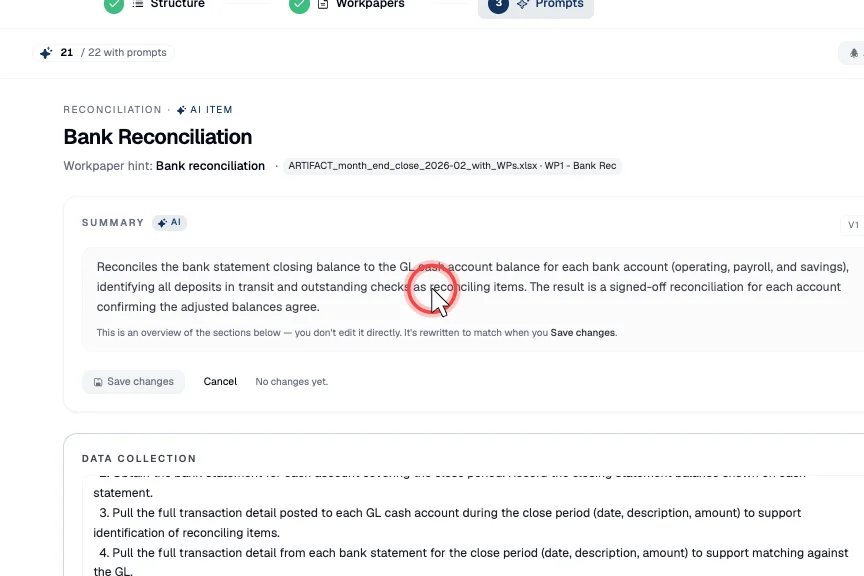
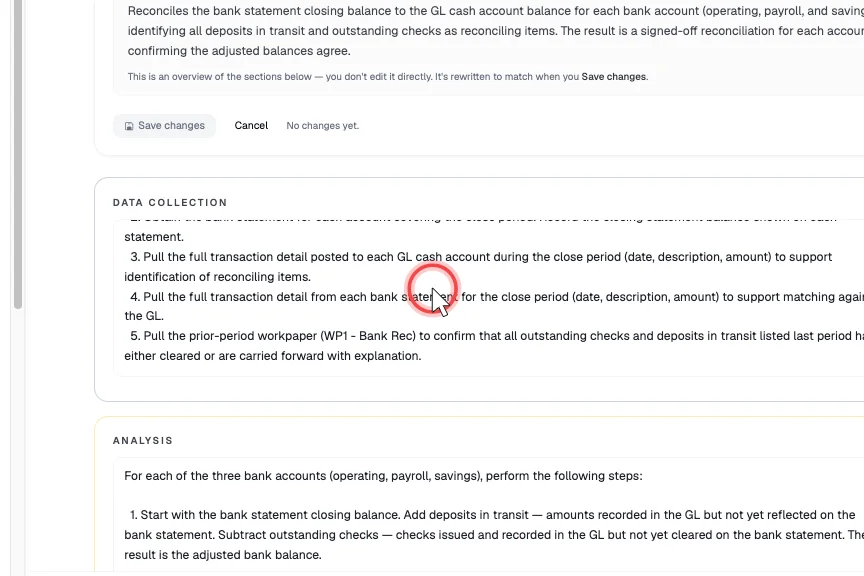
5. Or steer the edit through Arti chat
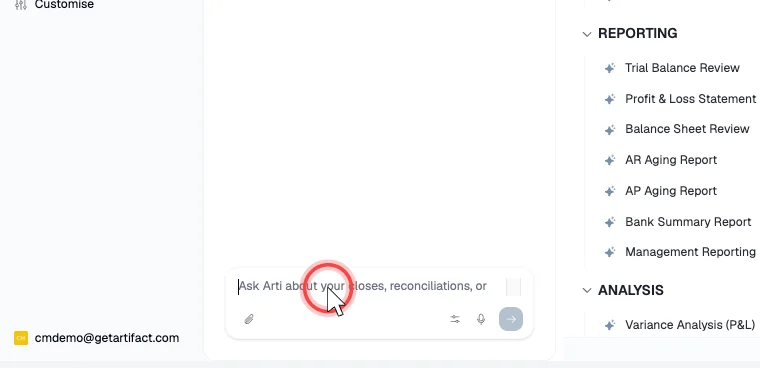
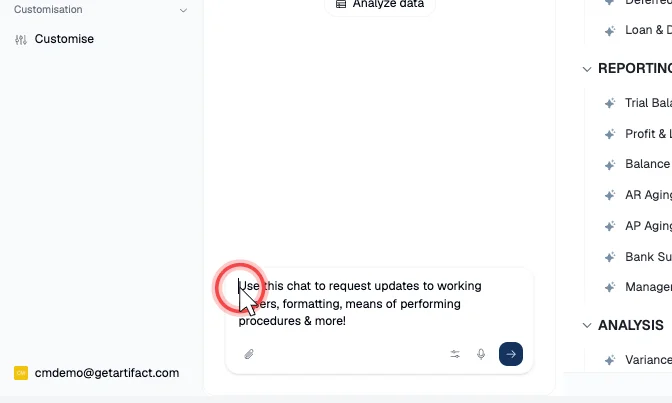
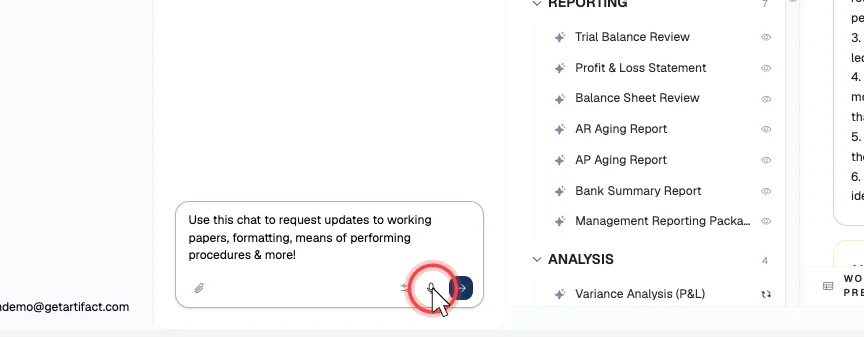
For larger or long-form changes, tell Arti what to change in natural language instead of editing the sections by hand — you can type, or use the microphone to speak the change.
6. Mark as reviewed — approve, deliberately
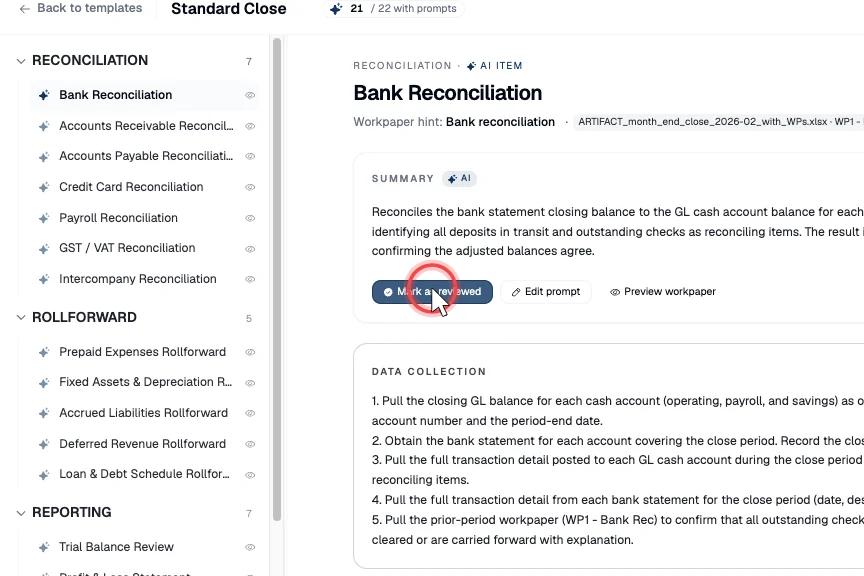
Once a prompt is right, Mark as reviewed to approve it; Un-approve reopens one you want to revisit. Approving is your sign-off on that step's instruction (Review, sign-off & the human-in-the-loop control) — approve each item as a decision, not a formality.
7. Activate the template — the final human gate
Only when every prompt is reviewed, click Activate template. Activation makes the template live and available to start closes from. It is a deliberate, human-only action — Artifact never activates on your behalf.
Next steps
Good to know
- Prerequisite: Step 1–Step 3 complete (structure, working papers, mappings) and Continue to prompts clicked — that lands you on the prompts-review screen, where prompts auto-generate.
- Why this step carries the weight. The prompt is the agent's standing instruction for the step (Skills (capabilities — Catalogue → Firm → Client)). Errors here compound: they repeat across every period and every client on the template, and they shape a workpaper a human later signs off. Reviewing prompts well is the actual work of making a template safe to run autonomously.
- The human owns the gate. Approving a prompt (Mark as reviewed) and Activating the template are deliberate human acts — Artifact proposes the prompts; you own the approval and the go-live. This is the same proposes-never-posts governance as the rest of close (Review, sign-off & the human-in-the-loop control, the write-approval gate (where the human stays in control)).